
QuickApps dock
A dock of your apps that slides over the home screen, with a preview of each app's content.
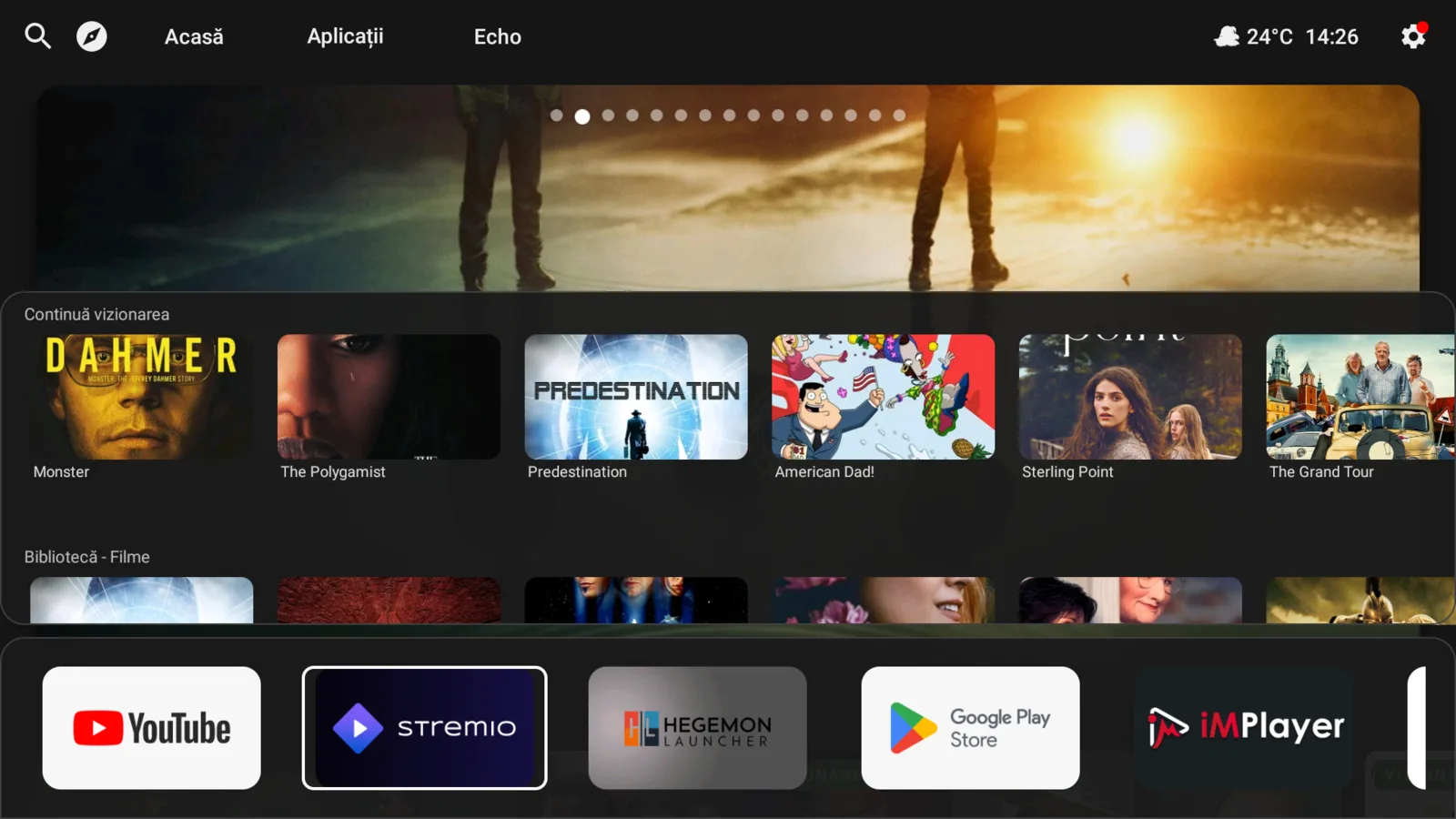
The QuickApps dock puts your apps in a row at the bottom of the screen, without leaving what you were looking at.
Open it#
Long-press Back on the Home screen. The dock slides up under the content.
Use it#
- Move along the row and select an app to open it.
- If you stay on an app for about a second and it publishes content channels (for example continue-watching or recommendations), a preview of those channels appears above the dock.
- Press Back once to close the channel preview, and again to close the dock.
Which apps appear#
The dock follows your choices on the Apps screen: apps you hid are not shown, and the order follows the sort you picked there.
Tip#
When you first open Hegemon, a small tip points out this shortcut. You can always reopen the dock with a long press of Back.